
Description
Imageshop is a cloud-based [http://www.imageshop.org Digital Asset Management system] (image bank /DAM system) that makes it easier than ever to organize, search, share and use your digital files, internally and with the outside world and partners.
Drag & drop uploading and ultra-efficient image tagging enable your files are always available in the DAM system when and where they are needed, in the right format and the best quality. Read more about Imageshop here: http://www.imageshop.org
Screenshots
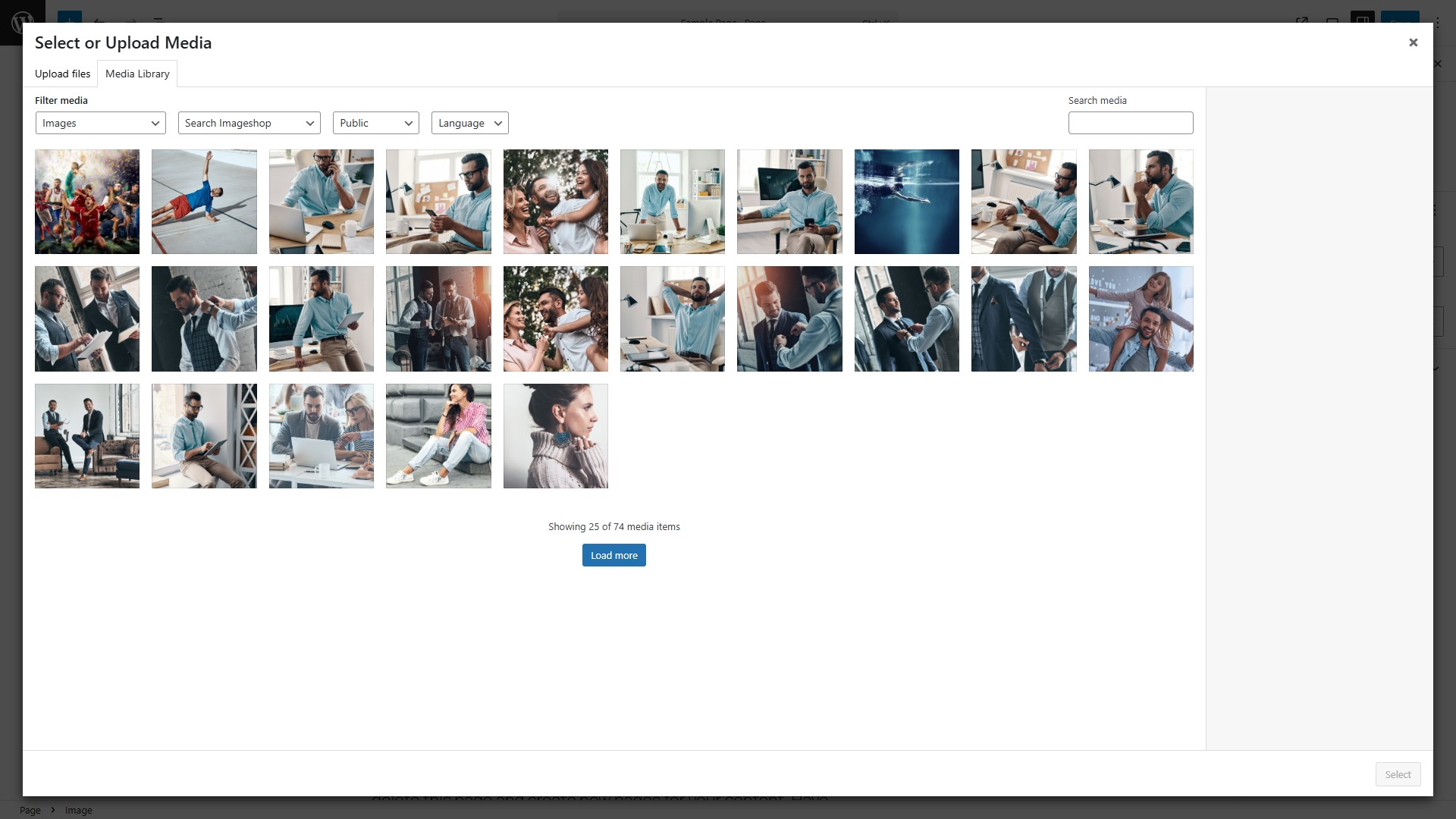
The default WordPress media library, extended with Imageshop and showing results form your image bank. 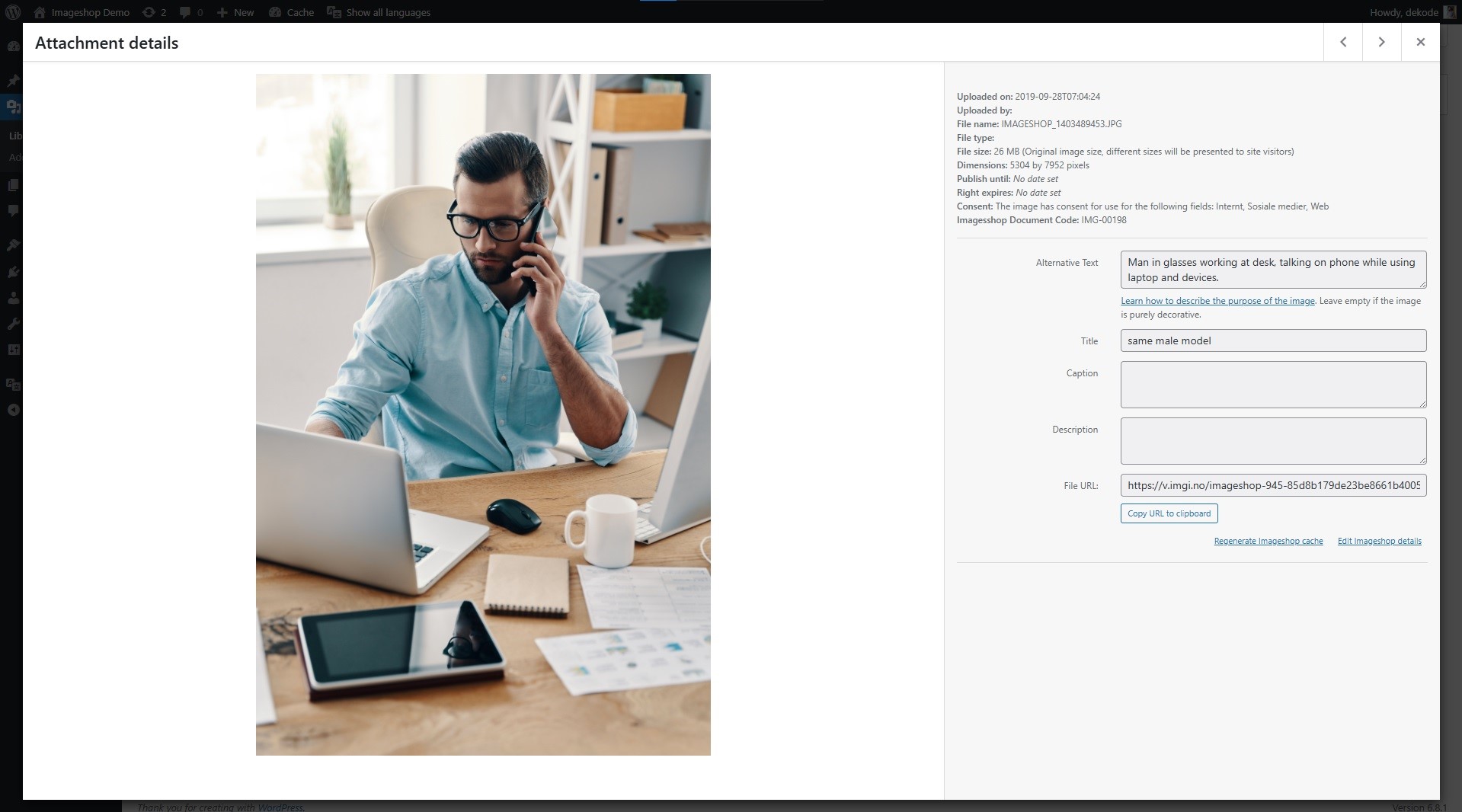
Detailed information about one of your images, including rightss expiry, consent status, and more. 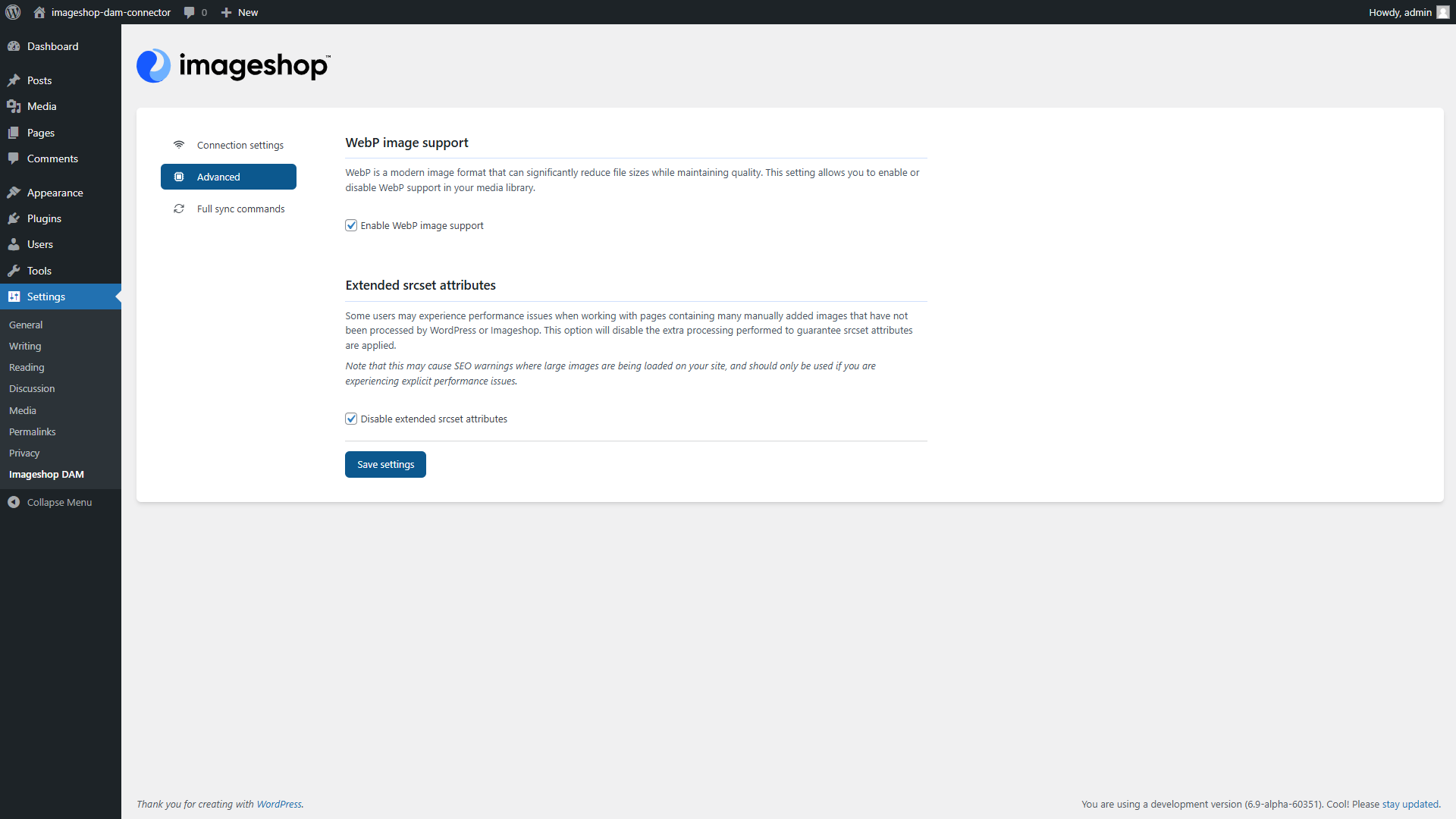
A view of the Imageshop advanced settings page.
FAQ
-
Can I use this plugin with multisite?
-
The plugin will let you add it to any multisite, but each individual site will need to do their own configuration.
-
What if I no longer wish to use Imageshop for my files?
-
If you at any point wish to stop using Imageshop for your files, you can export any files that have been used in content on your site to your local media library again, before deactivating the plugin.
-
What if I am already using plugins to improve my media library?
-
The Imageshop DAM plugin replaces any need for media management plugins, as it provides a centralised storage location with categories and media compression built in. As such, any third party plugins that perform similar, or other manipulations of your media files may be incompatible and should be deactivated prior to activating the Imageshop plugin.
-
I have an idea for an improvement or enhancement
-
We welcome both suggestions, discussions, and code! Check out the project source at https://github.com/DekodeInteraktiv/imageshop
Reviews
There are no reviews for this plugin.
Contributors & Developers
“Imageshop DAM Connector” is open source software. The following people have contributed to this plugin.
Contributors
“Imageshop DAM Connector” has been translated into 2 locales. Thank you to the translators for their contributions.
Translate “Imageshop DAM Connector” into your language.
Interested in development?
Browse the code, check out the SVN repository, or subscribe to the development log by RSS.
Changelog
1.6.0 (2026-05-27)
- Feature: Introduced on-demand image permalinks, replacing the previous statically generated permalink variations for more flexible and up-to-date image URL handling.
- Feature: Added support for an ‘original’ size option when inserting images, with refined logic for deriving the full image size.
- Enhancement: Category filters in the media library now adapt based on which interface is actively selected.
- Enhancement: Reduced the number of API calls made when loading the media library by passing more default values upfront.
- Enhancement: Improved initial media library load performance by eliminating duplicate requests.
- Enhancement: Permalink slugs now strip underscores in favor of dashes for more consistent and readable URLs.
- Enhancement: Introduced a maximum filename length cap for image permalinks.
- Enhancement: Improved srcset handling to more reliably serve the correct image dimensions across classic and modern editor scenarios.
- Enhancement: Media modal styling updated to match WordPress 7.0 visual changes.
- Enhancement: Versioned static assets to improve browser cache management across environments.
- Bugfix: Media modal CSS effects now apply correctly on post-new.php in addition to post.php.
- Compatibility: SVG srcset images now correctly handle varying attribute data types passed by third-party plugins.
1.5.0 (2025-12-18)
- Media: Change the default setting for media uploads to not synchronize to Imageshop automatically, separating responsibilities.
- Media: Made WebP conversion the default value for new installations.
- Media: When deactivating the Imageshop integration, hide attachment references from the media library to create a better user experience.
- Media: Add filter options for media types to the media library screen.
- Media: Consistently display thumbnails for video files.
- Media: Keep showing previews of non-image media when viewing media details in the media library.
- Media Modal: Hide the media type filter from the modal inserter, as it is context aware and plays no role with the Imageshop plugin active.
- Onboarding: Add notice to onboarding flow about the potential conflicts multiple media management plugins can have with each other.